Connecting Your TV to a Home Audio System: A Step-by-Step Guide
Learn how to connect your TV to a home audio system with our step-by-step guide. Enhance your entertainment experience today!

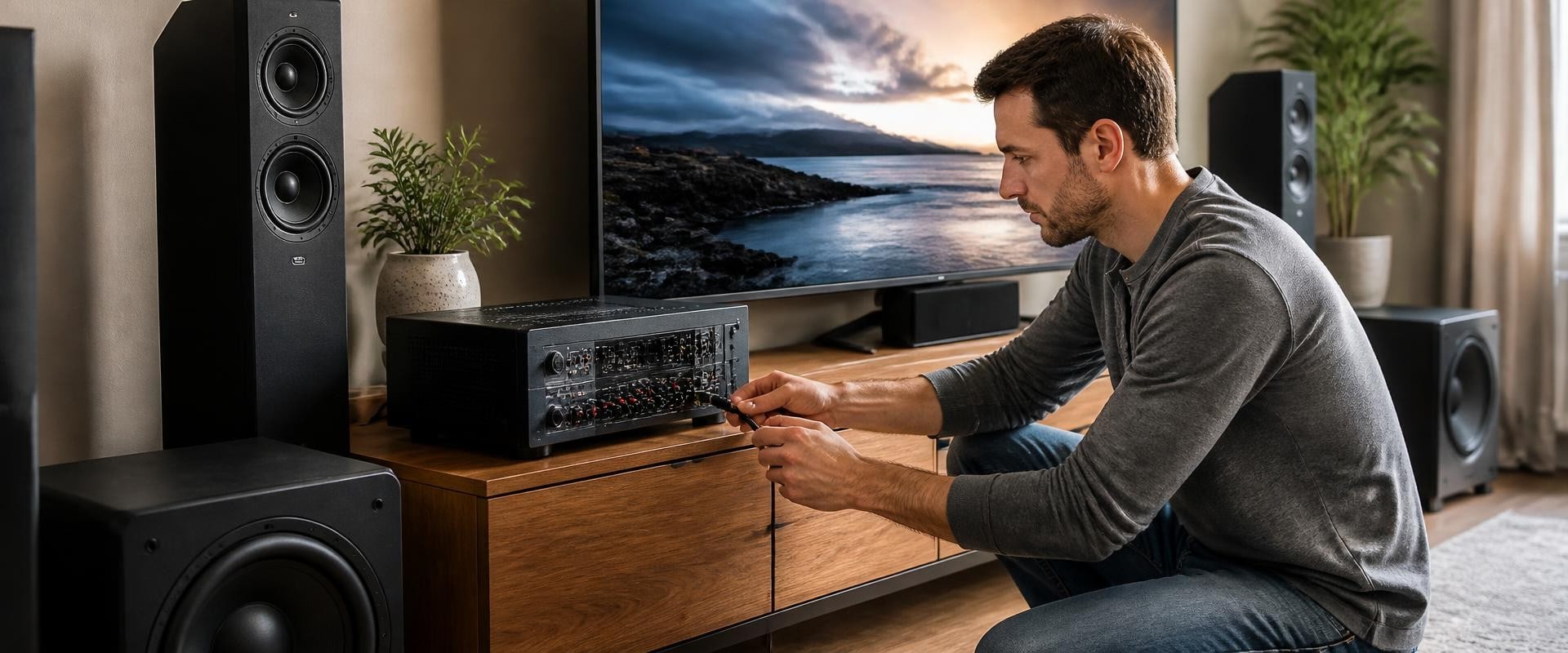
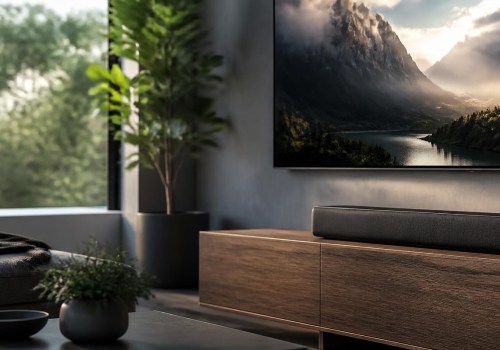
When it comes to enhancing your home entertainment experience, understanding home audio systems is crucial. These systems are designed to deliver superior sound quality, transforming how you enjoy movies, music, and gaming. With a variety of options available, from simple soundbars to complex multi-room setups, knowing the different types of home audio systems can help you make an informed decision that suits your lifestyle and preferences. There are several types of home audio systems to consider. For instance, a soundbar is an excellent choice for those seeking a compact solution that still provides impressive sound quality.
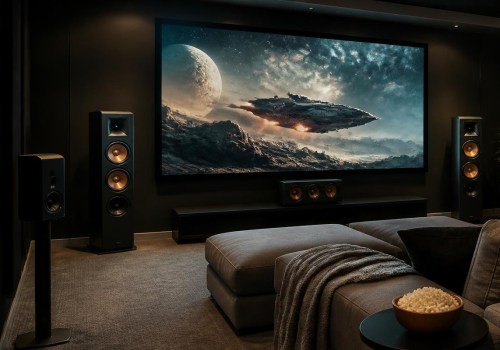
On the other hand, a surround sound system offers a more immersive experience with multiple speakers strategically placed around the room. Additionally, wireless audio systems, such as those utilizing Bluetooth or Wi-Fi, provide flexibility and convenience for streaming music from various devices without the clutter of wires. The benefits of integrating a home audio system with your TV are numerous. Not only do these systems enhance audio clarity and depth, but they also allow for a more cinematic experience right in your living room. Imagine watching your favorite action movie with booming bass and crystal-clear dialogue that pulls you into the story.
Furthermore, many modern home audio systems come equipped with smart technology, enabling seamless connectivity with other devices and easy control through mobile apps or voice commands. In summary, understanding the different types of home audio systems and their benefits is essential for anyone looking to elevate their home entertainment setup. By investing in a quality system that complements your TV, you can enjoy an unparalleled auditory experience that enhances every viewing moment.
Essential Equipment for Connecting Your TV to a Home Audio System
Connecting your TV to a home audio system requires specific equipment to ensure optimal sound quality and functionality. Below are the essential components you will need for a successful home audio installation.- Audio Cables: The most common way to connect your TV to an audio system is through various types of audio cables. Depending on your setup, you may need:
- RCA Cables: These are typically color-coded (red and white) and are used for analog audio connections.
- 3.5mm Audio Cable: This is a versatile option that can connect your TV's headphone jack to an external speaker or sound system.
- HDMI ARC: If your TV and audio system support it, using an HDMI ARC (Audio Return Channel) connection is one of the best options.
This allows for high-quality audio transmission and enables you to control both devices with a single remote. Make sure to connect the HDMI cable to the HDMI ARC port on both devices.
- Optical Cables: For those who prefer a digital connection, optical cables are an excellent choice. They transmit audio signals as light, which can reduce interference and provide clearer sound. Look for the optical output on your TV and connect it to the optical input on your audio receiver.
- Bluetooth Connections: If you want a wireless setup, many modern TVs and audio systems offer Bluetooth connectivity.
This allows you to stream audio directly from your TV to compatible speakers without the need for physical cables. Ensure that both devices are paired correctly for seamless operation.
Step-by-Step Guide to Connecting Your TV to a Home Audio System
Connecting your TV to a home audio system can significantly enhance your viewing experience by providing superior sound quality. Below is a step-by-step guide on how to achieve this using different methods.Method 1: Connecting TV via HDMI
- Check HDMI ARC Compatibility: Ensure that both your TV and audio system support HDMI ARC (Audio Return Channel). This feature allows audio to be sent back to the audio system through the same HDMI cable used for video.
- Connect the HDMI Cable: Use a high-speed HDMI cable to connect the HDMI ARC port on your TV to the HDMI ARC port on your audio receiver or soundbar.
- Configure TV Settings: Go to your TV's settings menu, navigate to the audio settings, and select the option for external speakers or HDMI ARC as the audio output.
- Test the Connection: Play a video or music on your TV to ensure that the sound is coming through your home audio system.
Method 2: Connecting TV via Optical Cable
- Locate Optical Ports: Find the optical audio output port on your TV and the optical input port on your audio system.
- Connect the Optical Cable: Insert one end of the optical cable into the TV's optical output and the other end into the audio system's optical input.
- Select Optical Input: On your audio system, switch to the optical input mode.
This may require using a remote control or pressing a button on the device itself.
- Adjust TV Audio Settings: Access your TV's settings and ensure that the audio output is set to 'optical' or 'digital out.'
- Verify Sound Output: Play content on your TV and check if the sound is being transmitted through your home audio system.
Troubleshooting Common Connection Issues
Connecting your TV to a home audio system can sometimes lead to frustrating audio issues. Here are some common problems you might encounter and their solutions.1.No Sound from the Audio System
If you find that there is no sound coming from your home audio system after connecting it to your TV, consider the following:- Check the Volume Levels: Ensure that both your TV and audio system are turned up and not muted.
- Correct Input Selection: Make sure that your audio system is set to the correct input source that corresponds with the connection type used (HDMI, optical, etc.).
- Cable Connections: Inspect all cables for secure connections. A loose or damaged cable can disrupt audio transmission.
2.Audio Sync Issues
If the audio is out of sync with the video, this can be particularly annoying.Here’s how to troubleshoot:
- Adjust Audio Delay Settings: Many audio systems have settings that allow you to adjust the audio delay. Check your system’s manual for instructions.
- Update Firmware: Ensure that both your TV and audio system have the latest firmware updates, as manufacturers often release fixes for sync issues.
3.Intermittent Sound or Dropouts
If you experience intermittent sound or dropouts, try these steps:- Check Wireless Connections: If using a wireless connection, ensure that there are no obstructions between the TV and audio system that could interfere with the signal.
- Switch Ports: If using HDMI, try switching to a different HDMI port on your TV or using a different HDMI cable.
Enhancing Your Home Audio Experience
Once you have successfully connected your TV to your home audio system, the next step is to enhance your audio experience. This can be achieved through various upgrades and configurations that will significantly improve sound quality and immersion.Improving Sound Quality
To elevate the sound quality of your home audio system, consider the following:- Speaker Placement: Position your speakers at ear level and ensure they are equidistant from the main listening area.
This setup helps create a balanced soundstage.
- Acoustic Treatments: Adding rugs, curtains, or acoustic panels can help absorb sound reflections, reducing echo and enhancing clarity.
- Calibration: Use an audio calibration tool or software to fine-tune your system. Many modern receivers come with built-in calibration features that optimize sound based on your room's acoustics.
Audio System Upgrades
If you're looking to take your audio experience to the next level, consider upgrading components of your system:- Invest in a Quality Receiver: A high-quality AV receiver can significantly enhance audio processing and provide better connectivity options.
- Upgrade Speakers: Consider investing in higher-end speakers or adding a subwoofer for deeper bass response. Surround sound systems often benefit from dedicated subwoofers that deliver impactful low frequencies.
- Cables and Connections: Using high-quality cables can reduce signal loss and interference. Look for HDMI cables that support high bandwidth for optimal performance.
Surround Sound Setup
A surround sound setup can transform your viewing experience by immersing you in rich audio.Here’s how to set it up:
- Select the Right Configuration: Choose between 5.1, 7.1, or even more advanced setups depending on your space and budget.
- Position Surround Speakers: Place surround speakers slightly above ear level and to the sides or behind the main seating area for an enveloping sound experience.
- Utilize a Soundbar: If space is limited, a quality soundbar with surround capabilities can simulate a multi-channel audio experience without the need for multiple speakers.
Frequently Asked Questions About Home Audio Installation
When it comes to home audio installation, many users have questions about how to optimize their setup for the best sound experience. Here are some frequently asked questions that can help guide you through the process.- What types of connections can I use to link my TV to my audio system?
You can connect your TV to your home audio system using various methods, including HDMI ARC, optical cables, RCA cables, and Bluetooth. HDMI ARC is often the preferred choice due to its ability to transmit high-quality audio and control multiple devices with a single remote. - Do I need a receiver for my home audio system?
While not strictly necessary, a receiver can enhance your audio experience by allowing you to connect multiple devices and manage sound settings more effectively. It acts as the hub for all your audio sources. - How do I set up surround sound?
To set up surround sound, position your speakers according to the recommended layout (typically a 5.1 or 7.1 configuration).Connect each speaker to your receiver and ensure that the settings are adjusted for optimal sound distribution.
- What are some common mistakes during audio installation?
Common mistakes include improper speaker placement, neglecting cable management, and failing to calibrate the system after installation. Taking the time to address these issues can significantly improve your audio quality. - Can I use wireless speakers in my home audio setup?
Yes, wireless speakers can be integrated into your home audio system. However, ensure that they are compatible with your existing equipment and that you have a stable Wi-Fi connection for uninterrupted performance.
Conclusion: Key Takeaways for Connecting Your TV to a Home Audio System
Connecting your TV to a home audio system can significantly enhance your viewing experience, making it essential to understand the key steps involved. Here are the main takeaways to ensure a successful installation:- Choose the Right Connection Type: Depending on your equipment, you may opt for HDMI ARC, optical cables, or traditional RCA connections.
HDMI ARC is often the best choice for modern setups due to its ability to transmit both audio and video signals.
- Ensure Compatibility: Before proceeding with your home audio installation, check that your TV and audio system are compatible. This includes verifying supported formats and connection ports.
- Utilize Quality Cables: Invest in high-quality cables to minimize signal loss and ensure optimal sound quality. Poor cables can lead to interference and degraded audio performance.
- Configure Audio Settings: After connecting your devices, navigate to your TV’s audio settings. Select the appropriate output option that corresponds with your connection type to ensure sound is routed correctly.
- Test Your Setup: Once everything is connected and configured, conduct a thorough test.
Play various media types to evaluate sound quality and make adjustments as necessary.