Mastering Your Home Audio System: Control It with Your Smartphone
Discover how to control your home audio system with your smartphone for a seamless listening experience. Enhance your entertainment today!

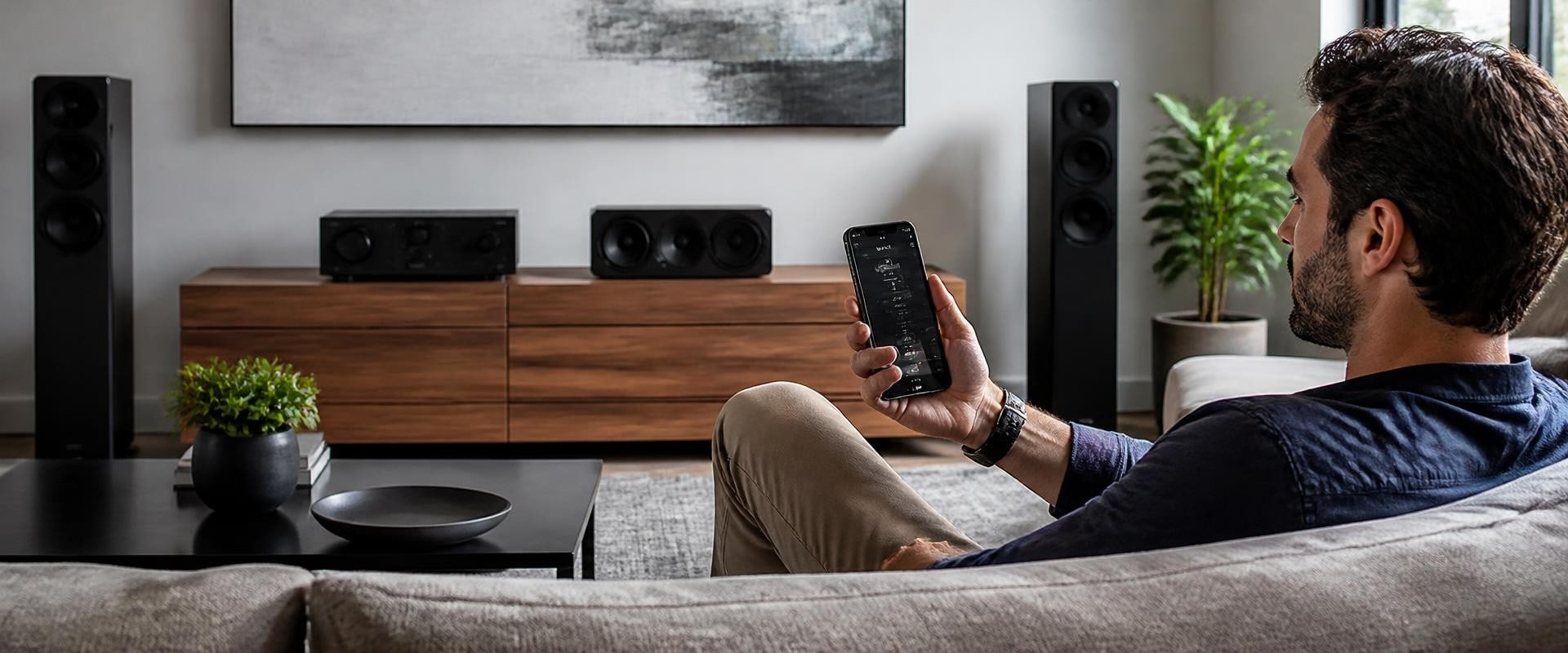
In today's digital age, home audio systems have evolved significantly, offering a range of options that cater to various preferences and needs. Understanding the different types of audio systems available is essential for anyone looking to enhance their home entertainment experience. From traditional stereo setups to advanced multi-room systems, each type has its unique features and benefits. For instance, a stereo system typically consists of two speakers and a receiver, providing a straightforward solution for music lovers.
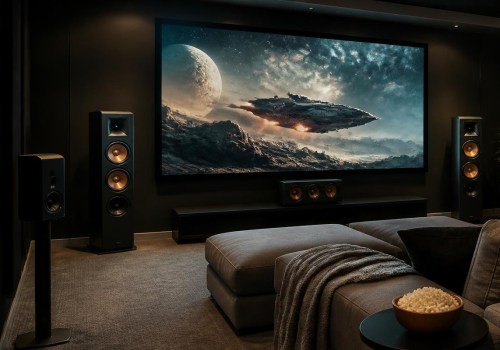
In contrast, a surround sound system immerses listeners in a multi-dimensional audio experience, ideal for movie enthusiasts. At the core of any home audio installation are several key components that work together to deliver high-quality sound. These include speakers, which convert electrical signals into audible sound; amplifiers, which boost the audio signal; and receivers, which act as the central hub for connecting various audio sources. Additionally, modern systems often incorporate streaming devices and smart technology, allowing users to access their favorite music and podcasts effortlessly. As you explore the possibilities of controlling your home audio system with your smartphone, it's crucial to first grasp these foundational elements. By understanding how different components interact within your audio setup, you can better appreciate the seamless integration of smartphone control.
This knowledge not only enhances your listening experience but also empowers you to make informed decisions when selecting or upgrading your home audio system.
The Benefits of Smartphone Control for Home Audio Systems
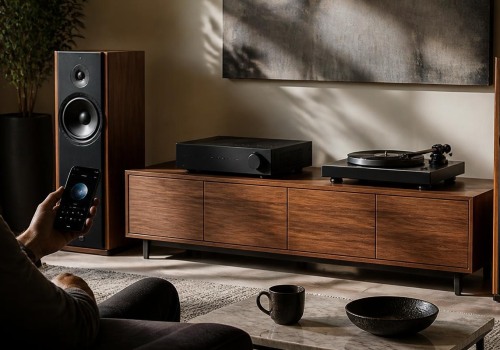
Controlling your home audio system with a smartphone offers numerous advantages that enhance your listening experience. One of the most significant benefits is the convenience it provides. With just a few taps on your smartphone, you can adjust the volume, switch tracks, or change playlists without needing to get up from your seat. This seamless control allows you to enjoy your favorite music or podcasts without interruption. Moreover, smartphone control enhances accessibility.Whether you're hosting a party or relaxing at home, you can easily manage your audio settings from anywhere in the house. Many modern audio systems come equipped with dedicated apps that allow you to customize sound profiles and create playlists tailored to your mood or occasion. Another key advantage is the integration with smart home devices. Many home audio systems are designed to work in harmony with other smart devices, such as smart speakers, lights, and thermostats. This integration allows for a more cohesive smart home experience.
For instance, you can set up routines where your audio system automatically plays soft music when you dim the lights for a movie night.
- Enhanced User Experience: The intuitive interfaces of smartphone apps make it easy for anyone to navigate their audio settings.
- Remote Control: Manage your audio system from anywhere in your home, ensuring you never miss a beat.
- Personalization: Tailor your listening experience with customizable settings and playlists.
- Smart Home Compatibility: Sync your audio system with other smart devices for a unified home automation experience.
Setting Up Your Home Audio System for Smartphone Control
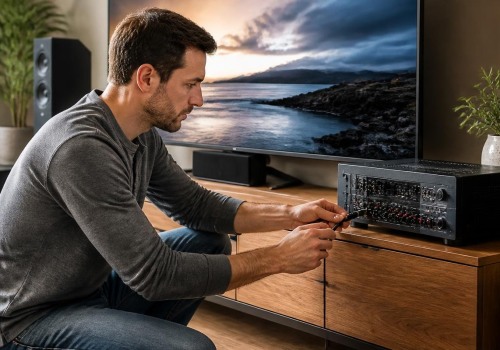
Setting up your home audio installation for smartphone control can transform your listening experience, allowing you to manage your music effortlessly from the palm of your hand. Follow this step-by-step guide to ensure a seamless setup.- Choose the Right Equipment: Ensure that your audio system is compatible with smartphone control. Look for devices that support Bluetooth or Wi-Fi connectivity.
Popular options include:
- Smart Speakers: Devices like Amazon Echo or Google Nest can easily integrate with your existing audio system.
- Wireless Receivers: Consider a receiver that supports AirPlay or Chromecast for easy streaming.
- Audio Adapters: If you have an older system, Bluetooth adapters can bridge the gap.
- Connect Your Audio System: Once you have the right equipment, follow these steps to connect your smartphone:
- For Bluetooth: Enable Bluetooth on both your smartphone and audio device. Pair them by selecting the audio device from your phone's Bluetooth settings.
- For Wi-Fi: Connect both devices to the same Wi-Fi network. Use the manufacturer's app to link your smartphone with the audio system.
- Install Necessary Apps: Download any required apps that enhance functionality. For instance, if you’re using a smart speaker, install its corresponding app to control playback and settings.
- Test Your Setup: Play some music from your smartphone to ensure everything is working correctly.
Adjust volume levels and settings through the app or directly on the audio system.
Choosing the Right Apps for Audio Control
When it comes to controlling your home audio system with your smartphone, selecting the right apps is crucial for a seamless experience. With a plethora of options available, it’s essential to choose apps that not only enhance functionality but also ensure compatibility with your existing audio setup.Top Apps for Audio Control
- Sonos : Ideal for users with Sonos speakers, this app allows you to control multiple rooms, create playlists, and access various streaming services all in one place.
- Spotify : Beyond music streaming, Spotify’s app offers integration with various smart speakers and audio systems, enabling you to control playback directly from your smartphone.
- Google Home : Perfect for those with Google-compatible devices, this app lets you manage your audio settings and control playback across different rooms effortlessly.
- Apple Music : For Apple users, this app provides a user-friendly interface to control music playback on compatible devices, including HomePod and AirPlay-enabled speakers.
- Amazon Alexa : If your audio system is Alexa-compatible, this app allows voice control and remote management of your music library and playlists.
Features to Consider
When evaluating these apps, consider the following features:- User Interface: A clean and intuitive interface can significantly enhance your experience.
- Streaming Service Compatibility: Ensure the app supports your preferred music services.
- Multi-Room Control: If you have a multi-room setup, look for apps that allow simultaneous control across different zones.
- Voice Control: Many modern apps offer voice command features for hands-free operation.
Integrating Smart Speakers and Voice Assistants
Integrating smart speakers and voice assistants into your home audio system can significantly enhance your listening experience and provide seamless control over your audio environment.With the rise of devices like Amazon Alexa and Google Home, managing your audio setup has never been easier.
Smart speakers
serve as the central hub for controlling various audio components in your home. By connecting these devices to your home Wi-Fi network, you can easily stream music, podcasts, and audiobooks from various platforms directly through voice commands.Setting Up Smart Speakers
- Choose Your Smart Speaker: Select a smart speaker that fits your needs. Popular options include Amazon Echo, Google Nest Audio, and Apple HomePod.
- Connect to Your Audio System: Use Bluetooth or Wi-Fi to link your smart speaker with your existing audio system. Many smart speakers also support multi-room audio setups.
- Install Necessary Apps: Download the corresponding app for your smart speaker (e.g., Alexa app for Amazon devices) to manage settings and connect to streaming services.
For instance, saying "Alexa, play my jazz playlist" or "Hey Google, pause the music" allows for hands-free operation. This integration not only simplifies control but also enhances accessibility for all users in the household.
Voice Assistants for Audio Control
The capabilities of voice assistants extend beyond basic playback commands. You can create routines that automate your audio experience. For example, you can set a morning routine that gradually increases the volume of your favorite news station as you wake up.Alexa
and Google Assistant also allow you to group speakers together, enabling synchronized playback across multiple rooms.This feature is perfect for hosting gatherings or simply enjoying music throughout your home without missing a beat. In conclusion, integrating smart speakers and voice assistants into your home audio installation not only provides enhanced control options but also transforms how you interact with your audio environment. By leveraging these technologies, you can create a more immersive and user-friendly listening experience.
Troubleshooting Common Issues with Smartphone-Controlled Audio Systems
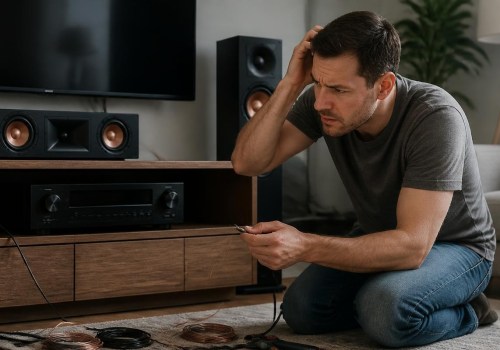
Controlling your home audio system with your smartphone can enhance your listening experience, but it can also lead to some frustrating issues. Here are some common problems you might encounter and how to fix them.- Connection Problems: One of the most frequent issues is a lost connection between your smartphone and the audio system. Ensure that both devices are connected to the same Wi-Fi network.
If you’re using Bluetooth, check that Bluetooth is enabled on your smartphone and that the audio system is in pairing mode.
- Audio Quality Issues: If you notice a drop in audio quality, it could be due to network interference or low bandwidth. Try moving closer to your router or reducing the number of devices connected to the network. Additionally, ensure that your audio files are of high quality.
- App Malfunctions: Sometimes, the app used to control your audio system may crash or become unresponsive. Restarting the app or your smartphone can often resolve these issues.
If problems persist, consider uninstalling and reinstalling the app.
- Incompatibility Issues: Not all smartphones are compatible with every audio system. Check the manufacturer’s website for compatibility information and ensure that your smartphone’s operating system is up to date.
- Delayed Response: If there’s a lag between your commands and the audio response, it may be due to network congestion. Try switching from Wi-Fi to a wired connection if possible, or reduce the number of active devices on your network.
Future Trends in Home Audio Control Technology
The future of home audio technology is poised for significant transformation, driven by advancements in connectivity, artificial intelligence, and user-centric design.As consumers increasingly seek seamless integration of their devices, the demand for intuitive audio control systems is on the rise.
Emerging Trends in Audio Control
One of the most notable trends is the shift towards voice-activated controls. With the proliferation of smart assistants like Amazon Alexa and Google Assistant, users can now manage their home audio systems hands-free. This technology not only enhances convenience but also allows for more complex commands, such as adjusting volume levels or switching playlists without needing to physically interact with devices. Another trend is the integration of machine learning algorithms that personalize audio experiences. These systems analyze user preferences over time, automatically curating playlists or suggesting new music based on listening habits.This level of personalization enhances user satisfaction and engagement with home audio systems.
Innovations in Smart Home Audio
The rise of multi-room audio systems is also shaping the future landscape. Technologies like Wi-Fi streaming and mesh networking allow users to enjoy synchronized sound throughout their homes. This innovation not only improves sound quality but also provides flexibility in how users experience audio in different spaces.- Wireless Connectivity: The move towards wireless solutions reduces clutter and simplifies installation, making it easier for homeowners to set up their audio systems.
- Augmented Reality (AR): Future developments may incorporate AR to visualize soundscapes, allowing users to see how sound travels through their space and adjust settings accordingly.
- Sustainability: As environmental concerns grow, manufacturers are focusing on energy-efficient devices that minimize power consumption while maximizing performance.
Conclusion: Elevate Your Audio Experience with Smartphone Control
In conclusion, controlling your home audio system with your smartphone not only enhances your listening experience but also adds a layer of convenience that traditional systems lack.By integrating modern technology into your audio setup, you can enjoy seamless access to your favorite music, podcasts, and audiobooks from anywhere in your home. Throughout this article, we explored various methods to achieve this integration, including:
- Smartphone Apps: Many audio systems now come with dedicated apps that allow you to control playback, adjust volume, and switch between sources with just a few taps.
- Wireless Connectivity: Utilizing Bluetooth or Wi-Fi connections enables you to stream high-quality audio directly from your smartphone to your speakers without the hassle of wires.
- Voice Control: With the rise of smart assistants, you can even control your audio system using voice commands, making it easier than ever to manage your music hands-free.
So take the plunge into the world of smartphone-controlled audio and elevate your listening experience today!.