Maximizing Your Home Audio System for an Immersive Gaming Experience
Discover how to enhance your gaming experience with effective home audio installation tips and equipment recommendations for immersive sound.

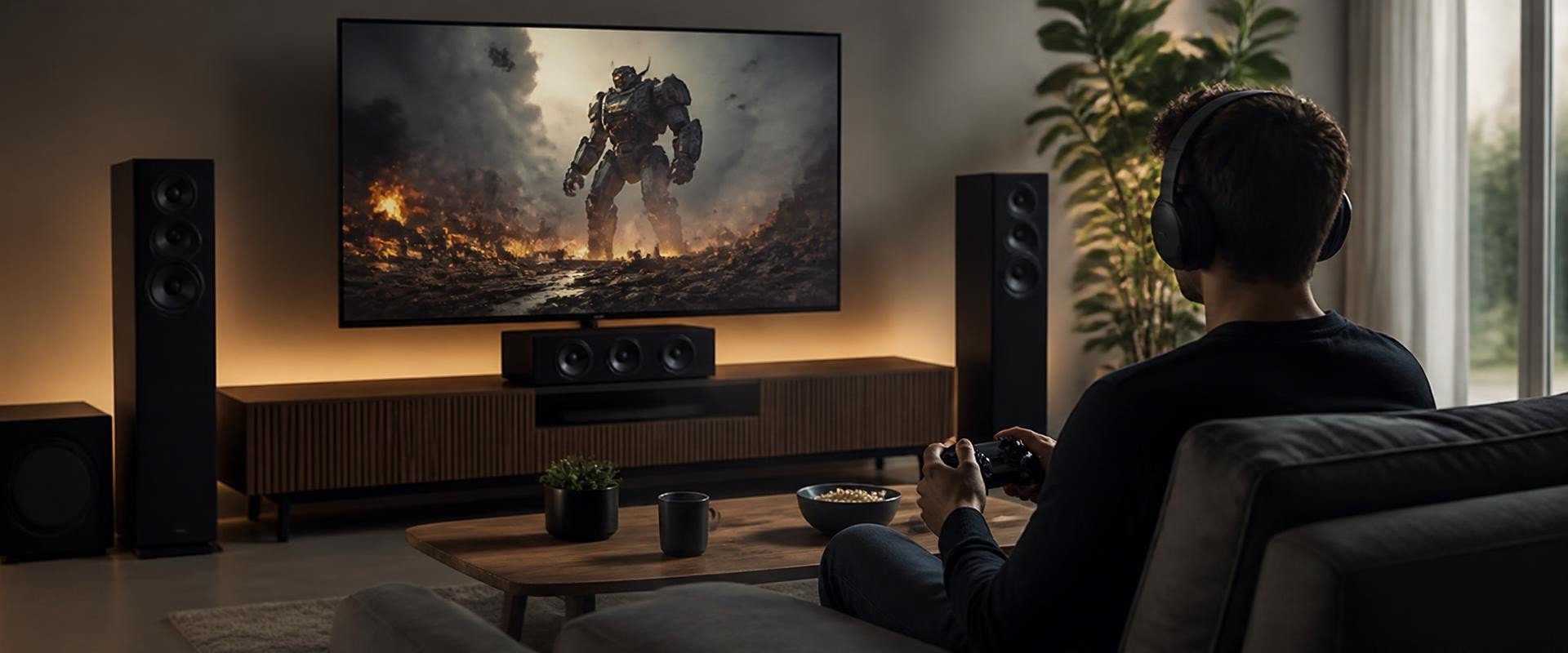
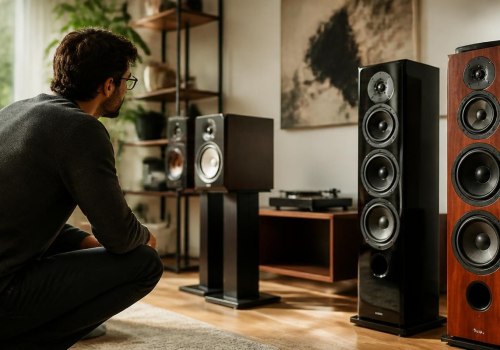
When it comes to enhancing your gaming experience, understanding home audio systems is essential. A well-optimized audio setup can immerse you in the game, allowing you to hear every footstep, explosion, and subtle sound cue that can make all the difference in gameplay. At the core of any effective gaming audio setup are various audio components, each playing a crucial role in delivering high-quality sound. The primary components of a home audio system include speakers, amplifiers, and receivers.
Speakers
are responsible for producing sound, and their quality directly impacts your listening experience.Whether you opt for surround sound systems or high-fidelity stereo speakers, the choice will significantly affect how you perceive audio in games.
Amplifiers
boost the audio signal to ensure that your speakers perform at their best, while receivers act as the hub that connects all your devices, managing inputs and outputs seamlessly. Moreover, understanding how these components interact can help you tailor your setup for optimal sound quality. For gamers, this means not just clarity but also spatial awareness—being able to pinpoint where sounds are coming from in a virtual environment. By investing time in learning about these elements and how they contribute to a cohesive gaming audio setup, you can create an immersive experience that elevates your gameplay to new heights.Choosing the Right Audio Equipment for Gaming
When it comes to home audio installation for gaming, selecting the right audio equipment is crucial for an immersive experience.The choice of speakers, headphones, or soundbars can significantly impact your gameplay and overall enjoyment.
Gaming Speakers
Gaming speakers are designed to deliver high-quality sound with clarity and depth. Look for models that offer surround sound capabilities, as they can enhance your spatial awareness in games. Brands like Logitech and Razer provide excellent options that cater to various budgets. Consider a 2.1 or 5.1 speaker system for a more enveloping audio experience.Headphones
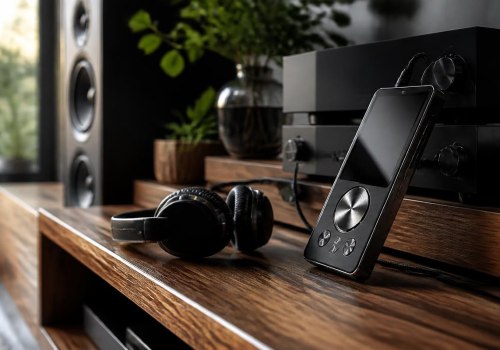
If you prefer a more personal audio experience, gaming headphones are an excellent choice.They not only provide superior sound quality but also help in isolating external noise, allowing you to focus on your game. Look for features such as:
- Comfortable fit: Long gaming sessions require headphones that are comfortable to wear.
- Noise cancellation: This feature helps block out distractions.
- Built-in microphone: Essential for multiplayer games where communication is key.
Soundbars
Soundbars are another great option for gamers who want a sleek setup without sacrificing sound quality. They provide a wide soundstage and can easily connect to your gaming console or PC. Many modern soundbars come with built-in subwoofers, enhancing the bass response, which is particularly beneficial for action-packed games.Audio Receivers
An audio receiver acts as the hub of your home audio system, allowing you to connect multiple devices seamlessly.Look for receivers that support the latest audio formats like Dolby Atmos or DTS:X for an immersive surround sound experience. Brands such as Yamaha and Denon offer reliable receivers that can elevate your gaming audio significantly. Ultimately, the best choice of audio equipment will depend on your gaming style and budget. Investing in quality gear will not only enhance your gaming experience but also improve your overall enjoyment of media consumption at home.
Setting Up Your Home Audio System for Optimal Performance
To achieve the best sound quality for gaming, proper audio installation is crucial. Here are some essential tips to set up your home audio system effectively:Speaker Placement
The placement of your speakers can significantly impact sound quality.Follow these guidelines:
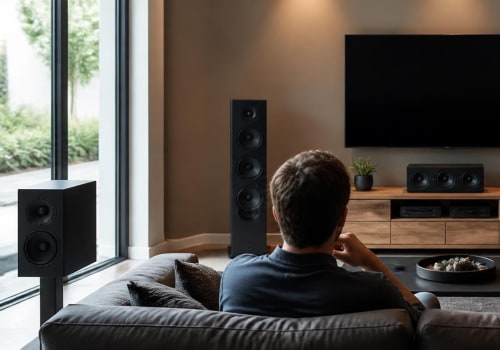
- Front Speakers: Position your front left and right speakers at ear level, forming an equilateral triangle with your main seating position.
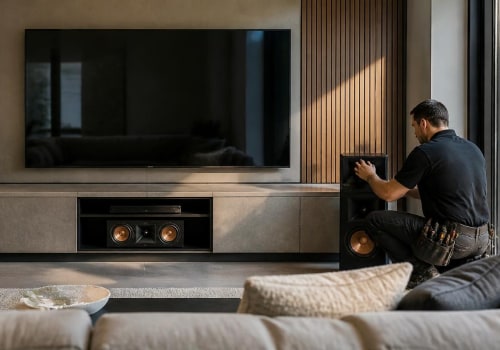
- Center Speaker: Place the center speaker directly above or below your display for clear dialogue.
- Surround Speakers: Install surround speakers slightly above ear level and to the sides or behind your seating area for immersive sound.
Room Acoustics
The acoustics of your room play a vital role in audio performance. Consider the following:- Soft Furnishings: Use rugs, curtains, and upholstered furniture to absorb sound and reduce echo.
- Avoid Hard Surfaces: Minimize hard surfaces like bare walls and floors that can reflect sound waves.
- Room Shape: Rectangular rooms typically provide better acoustics than square ones; consider this when choosing your gaming space.
Wiring Setup
A clean wiring setup not only looks better but also enhances audio performance. Here are some tips:- Cable Management: Use cable ties or sleeves to organize wires and prevent tangling.
- Quality Cables: Invest in high-quality speaker cables to ensure optimal signal transfer.
- Avoid Interference: Keep power cables away from audio cables to minimize interference and noise.
Integrating Audio with Gaming Consoles and PCs
Integrating your home audio system with gaming consoles and PCs can significantly enhance your gaming experience. Proper audio setup not only immerses you in the game but also provides a competitive edge.Here’s how to effectively connect and configure your audio system.
Gaming Console Audio Setup
Most modern gaming consoles, such as the PlayStation and Xbox, offer multiple audio output options. The most common methods include:- HDMI ARC (Audio Return Channel): This is the preferred method for connecting your console to your audio system. HDMI ARC allows for high-quality audio transmission and simplifies the connection by using a single cable.
- Optical Audio: If your audio system doesn’t support HDMI ARC, optical audio is a great alternative. It transmits digital audio signals without interference, ensuring clear sound quality.
- 3.5mm Audio Jack: For older systems or simpler setups, you can use a 3.5mm jack to connect directly to speakers or headphones.
PC Audio Configuration
When setting up your home audio system for PC gaming, consider the following:- USB Audio Interfaces: These devices can enhance sound quality and provide additional features like surround sound processing.
- HDMI Output: Similar to consoles, many graphics cards support HDMI output, allowing you to connect directly to your audio system.
- Sound Cards: Upgrading your PC with a dedicated sound card can improve audio performance and provide more connection options.
This will help you achieve optimal sound quality and performance during gameplay.
Enhancing Your Audio Experience with Software and Settings
To truly enhance your gaming experience, optimizing your audio settings is crucial. This involves not only the physical setup of your home audio installation but also the software and settings that can significantly impact sound quality.Audio Settings for Gaming
Most modern games come with built-in audio settings that allow you to customize your experience. Start by exploring the audio options in your game’s settings menu. Look for features like:- Volume Control: Adjust the master volume, music, sound effects, and dialogue levels to find a balance that suits your preferences.
- 3D Audio: Enable any 3D audio options available, which can provide a more immersive experience by simulating sound coming from different directions.
- Game-Specific Profiles: Some games allow you to save specific audio profiles tailored to different gameplay scenarios.
Equalizer Settings
An equalizer (EQ) can dramatically change how you perceive sound.Most audio software or hardware includes an EQ feature. Here are some recommended settings for gaming:
- Bass Boost: Increase the lower frequencies slightly to enhance explosions and rumbling sounds.
- Treble Adjustment: Boost the higher frequencies to make dialogue clearer and footsteps more pronounced.
- Midrange Balance: Ensure that midrange frequencies are balanced for a well-rounded sound experience.
Surround Sound Software
If your home audio installation supports it, consider using surround sound software. Programs like Dolby Atmos or DTS:X can create a more immersive environment by simulating multi-directional sound. These applications often come with their own set of configurations that can be adjusted based on your room setup and speaker placement.Game-Specific Audio Settings
Certain games offer unique audio settings that can further enhance your experience.For instance, first-person shooters may have options to emphasize directional sounds, while role-playing games might focus on atmospheric effects. Always check the game’s community forums or guides for recommended settings tailored to specific titles. By taking the time to adjust these software settings and utilizing available tools, you can significantly elevate your gaming audio experience, making it more engaging and enjoyable.
Troubleshooting Common Audio Issues in Gaming
When it comes to gaming, audio quality can significantly impact your overall experience. However, gamers often encounter various audio problems that can detract from their enjoyment. Here are some common issues and troubleshooting tips to help you maintain an optimal gaming audio setup.- Latency Issues: One of the most frustrating problems is audio lag, where sound does not sync with the action on screen.
To troubleshoot this, check your audio settings in both your game and system. Ensure that you are using a wired connection for your headphones or speakers, as wireless connections can introduce latency. Additionally, consider adjusting the audio buffer size in your sound settings for better synchronization.
- Connectivity Problems: If you experience no sound or intermittent audio, start by checking all connections. Ensure that cables are securely plugged into both your audio source and speakers or headphones.
If you're using HDMI, verify that the correct audio output is selected in your system settings. Sometimes, simply unplugging and re-plugging the cables can resolve connectivity issues.
- Sound Quality Issues: Poor sound quality can stem from various factors, including low-quality audio files or improper speaker placement. Make sure you are using high-quality audio sources and consider investing in a good DAC (Digital-to-Analog Converter) for improved sound fidelity. Additionally, experiment with speaker positioning to create an optimal soundstage.
- In-Game Audio Settings: Many games have their own audio settings that can affect performance.
Check the in-game audio options to ensure that sound effects, music, and voice chat levels are balanced according to your preferences. Sometimes, resetting these settings to default can also resolve unexpected issues.
Future Trends in Home Audio for Gaming
As the gaming industry continues to evolve, so too does the home audio installation landscape. Emerging technologies are set to redefine how gamers experience sound, making it more immersive and engaging than ever before.Immersive Sound Technology
One of the most exciting trends in home audio systems for gaming is the rise of immersive sound technologies.Innovations such as 3D audio and spatial sound are becoming increasingly popular, allowing players to perceive sound from all directions. This technology enhances the realism of gaming environments, making it easier for players to pinpoint the location of in-game sounds, such as footsteps or distant explosions.
Advancements in Home Audio Systems
The future of home audio installation will likely see significant advancements in hardware and software. For instance, Dolby Atmos and DTS:X are leading the charge in creating multi-dimensional soundscapes that can transform a standard gaming setup into a fully immersive experience. These systems utilize ceiling-mounted speakers or upward-firing speakers to create a dome of sound around the listener.Wireless Technologies
Another trend to watch is the shift towards wireless audio solutions.As latency issues are addressed, gamers can expect high-quality audio without the clutter of wires. Technologies like Bluetooth 5.0 and Wi-Fi 6 will facilitate seamless connections between devices, ensuring that audio remains synchronized with gameplay.
The Role of AI in Audio Optimization
The integration of artificial intelligence (AI) into home audio systems is also on the horizon. AI can analyze a room's acoustics and automatically adjust settings for optimal sound quality. This means that gamers can enjoy a tailored audio experience without needing extensive knowledge about sound engineering. Staying informed about these trends will help gamers prepare for future upgrades to their home audio installation.By investing in emerging technologies now, players can ensure they are ready to take full advantage of the next generation of gaming audio experiences.